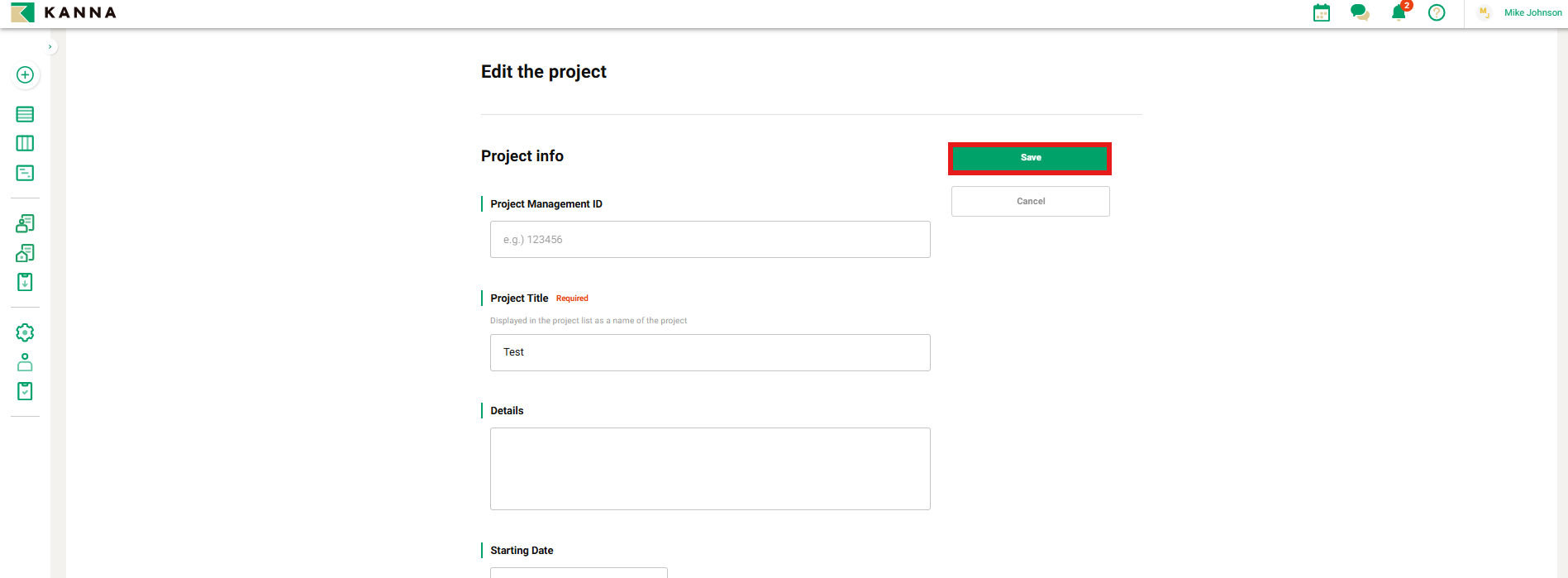
You can edit the overview section of a created project. By entering information in the project overview, you can collectively share project information that was previously communicated separately to each party by simply adding them as members to the case. Additionally, specifying the items in the project overview ensures that important information related to the project is shared without being overlooked.
Note: Only project admins can edit the project overview section.
For details on permissions, please refer to this page.
If you would like to customize the items or sections of the project overview, please refer to this page.
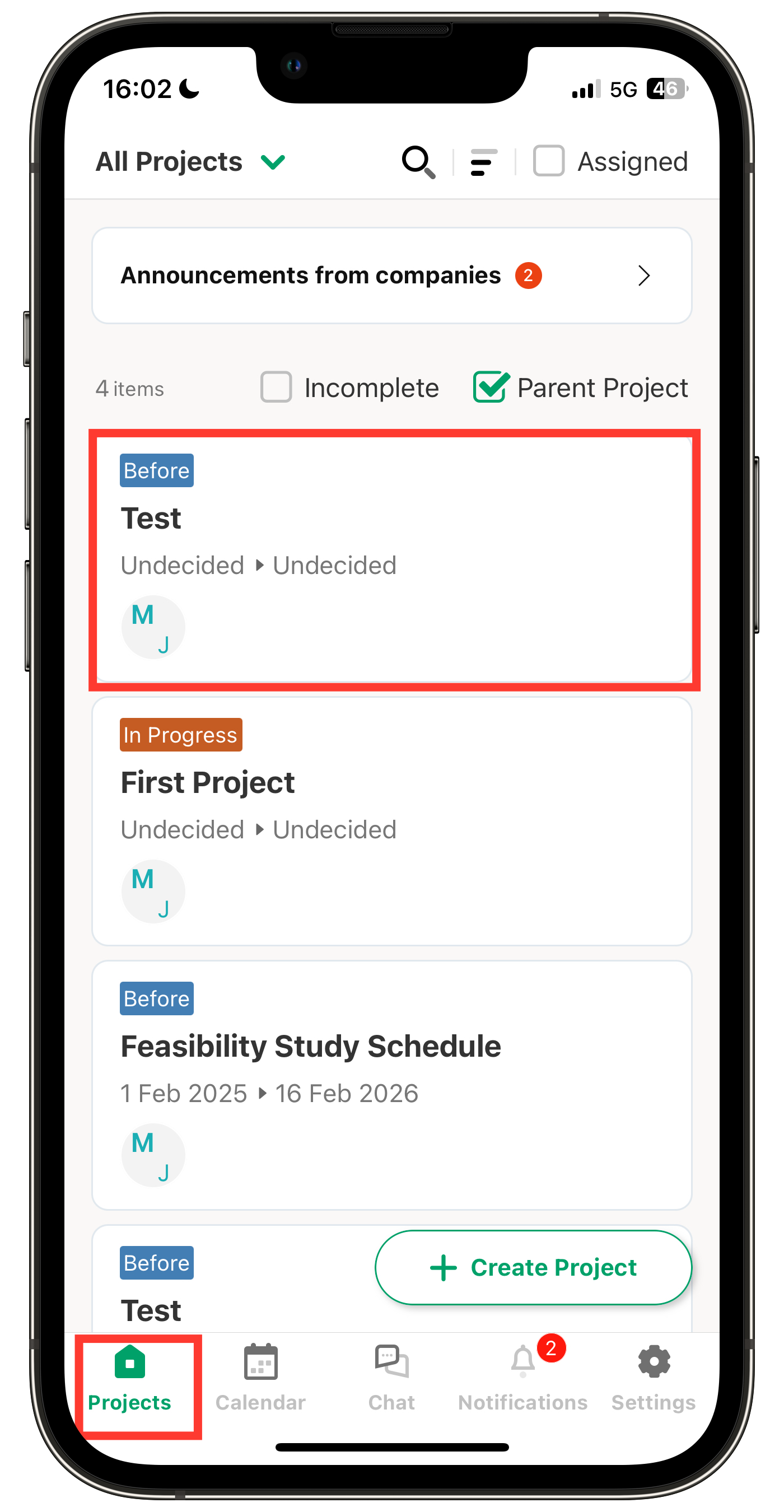
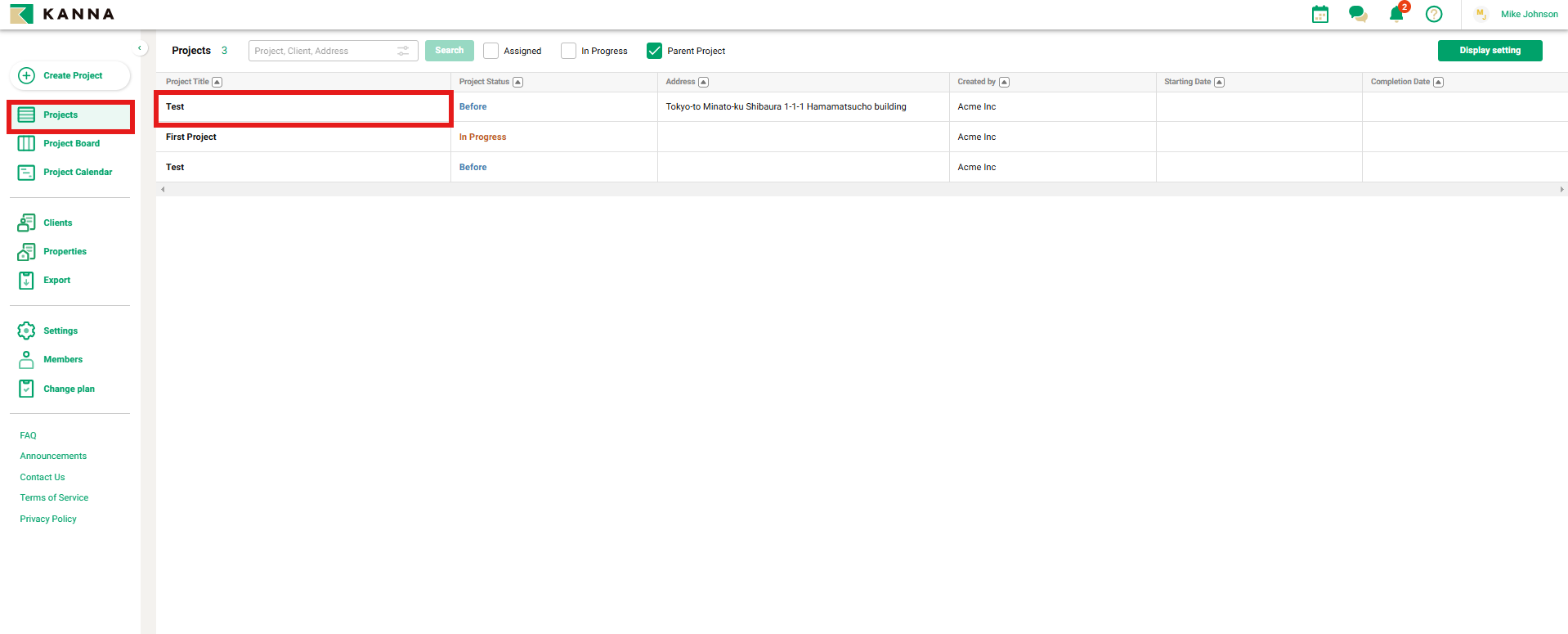
Tap the project you want to edit from the "Projects" menu.
[Smartphone Screen]
[PC Screen]
Edit via the Mobile App
- Edit
- Members
- Map Integration
①. Edit
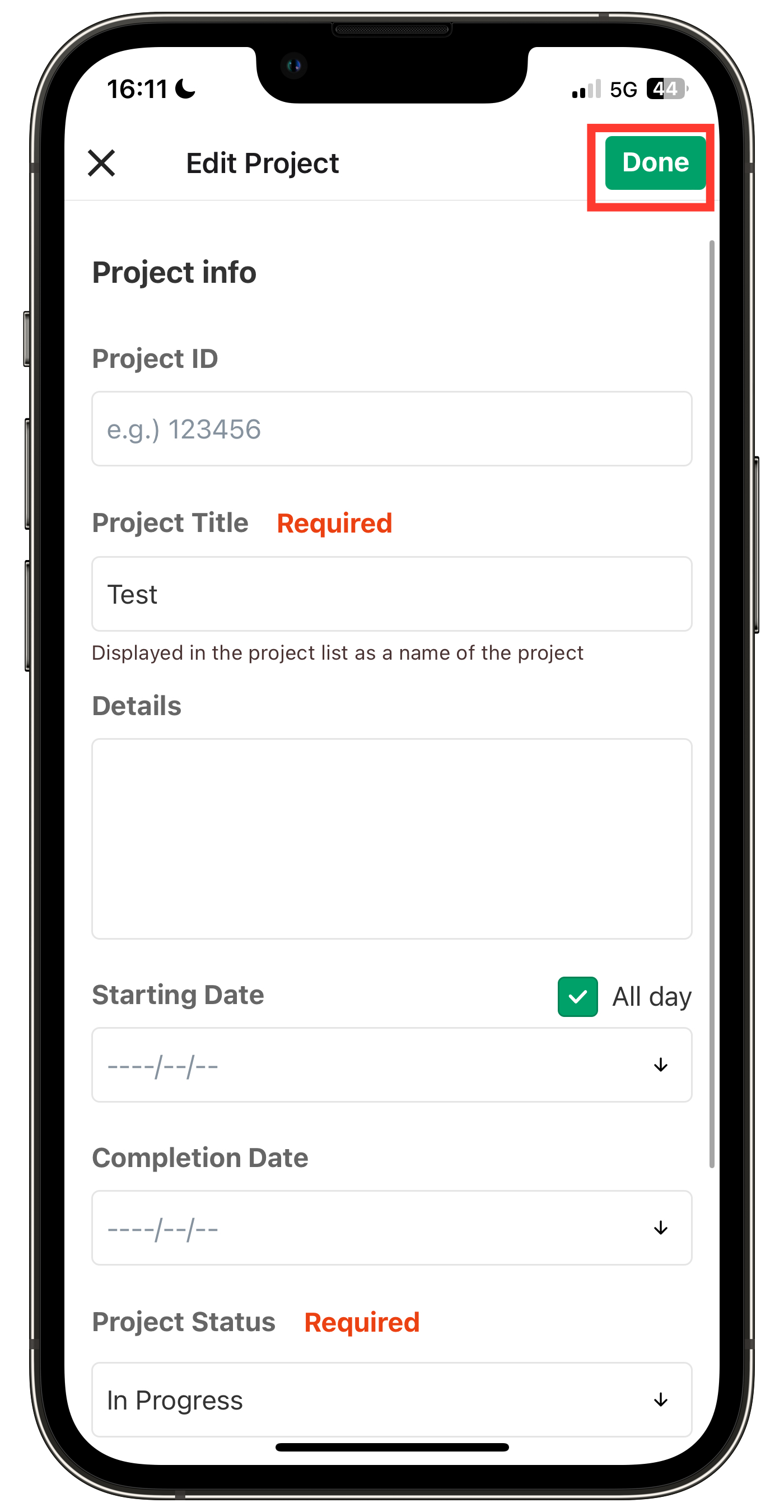
Each item can be edited.
1. Tap "Edit" on the right side of the section you want to edit.
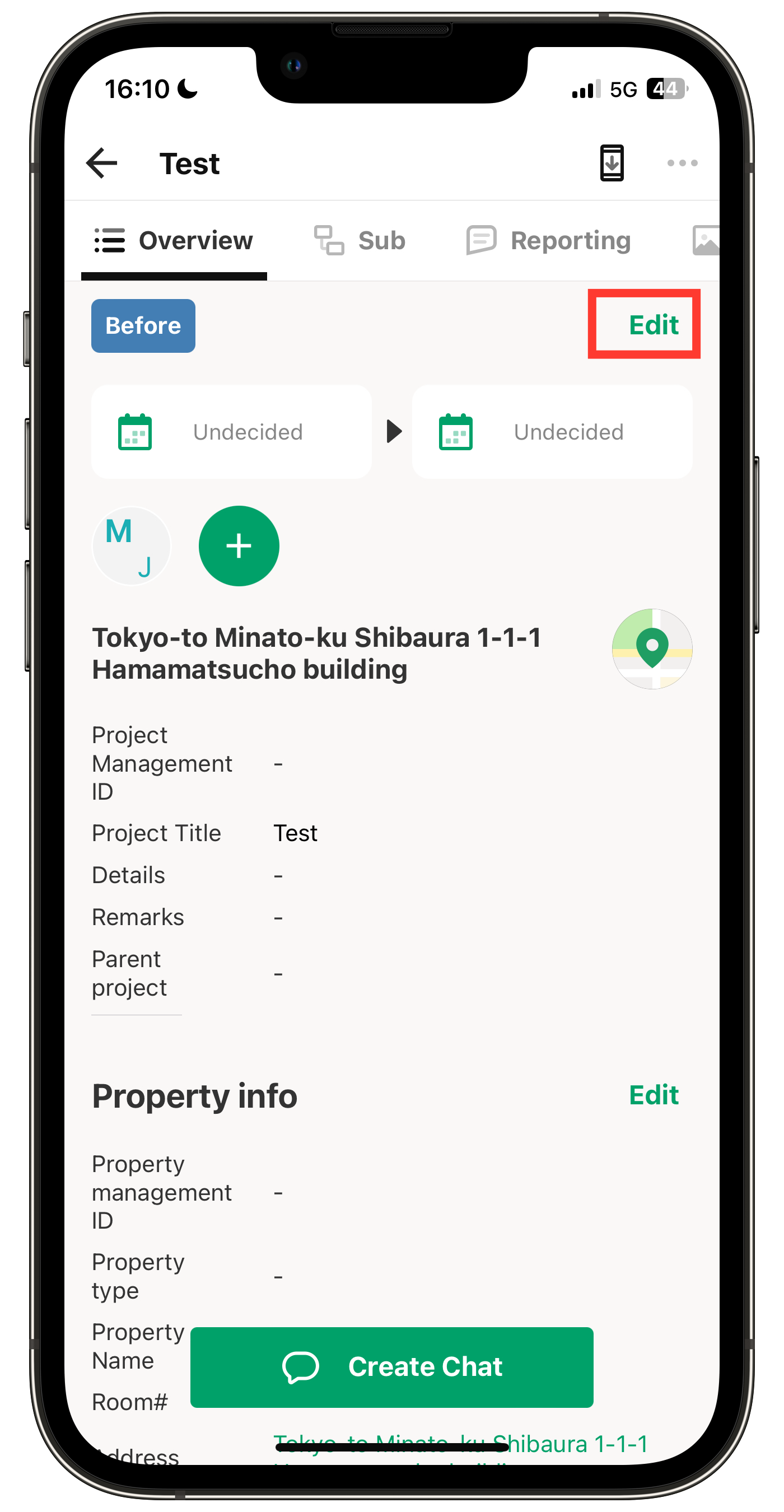
2. Enter the details for each item and tap "Done".
②. Members
Edit each member
You can check and edit the permissions for each member.
1. Tap the three-dot menu to the right of the member you want to edit.
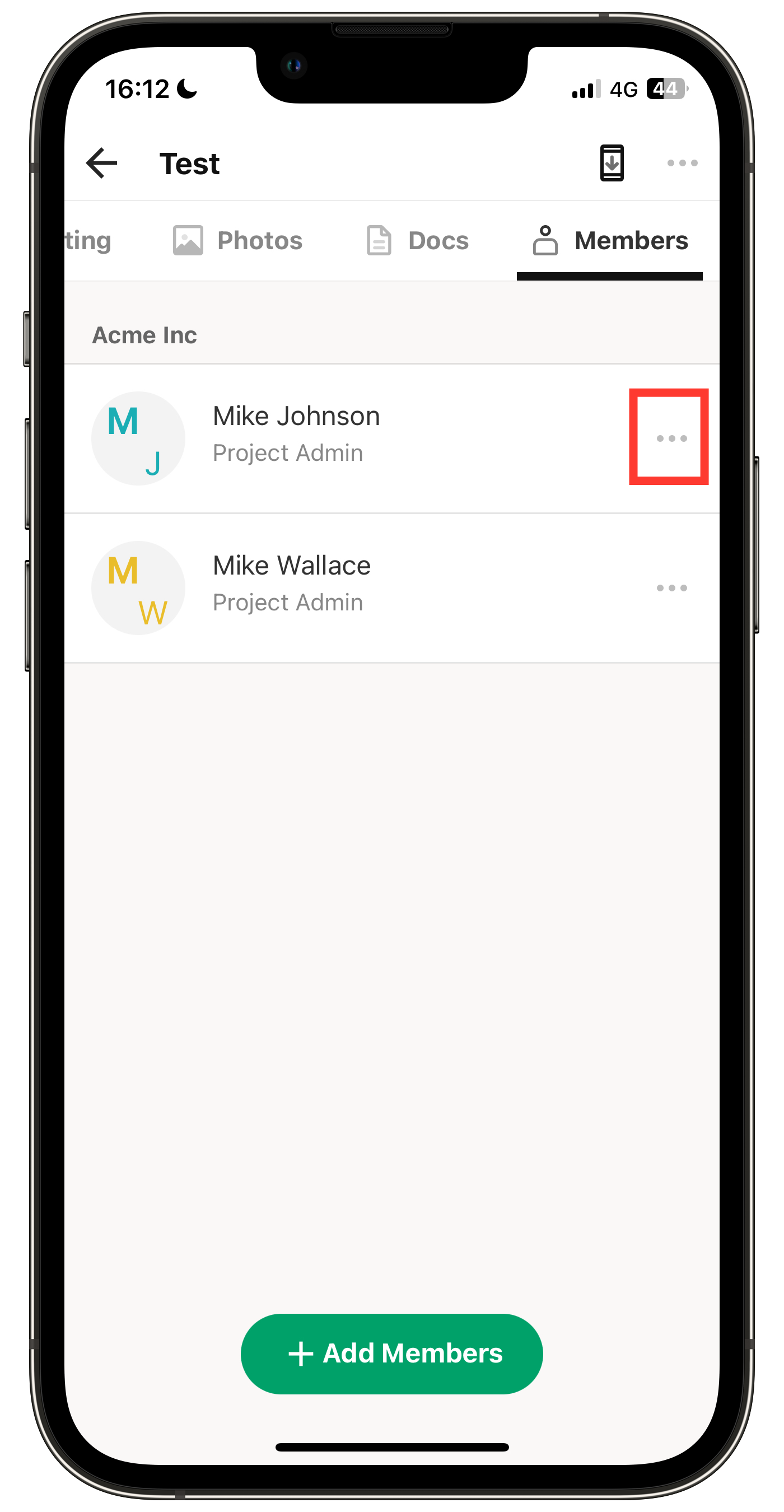
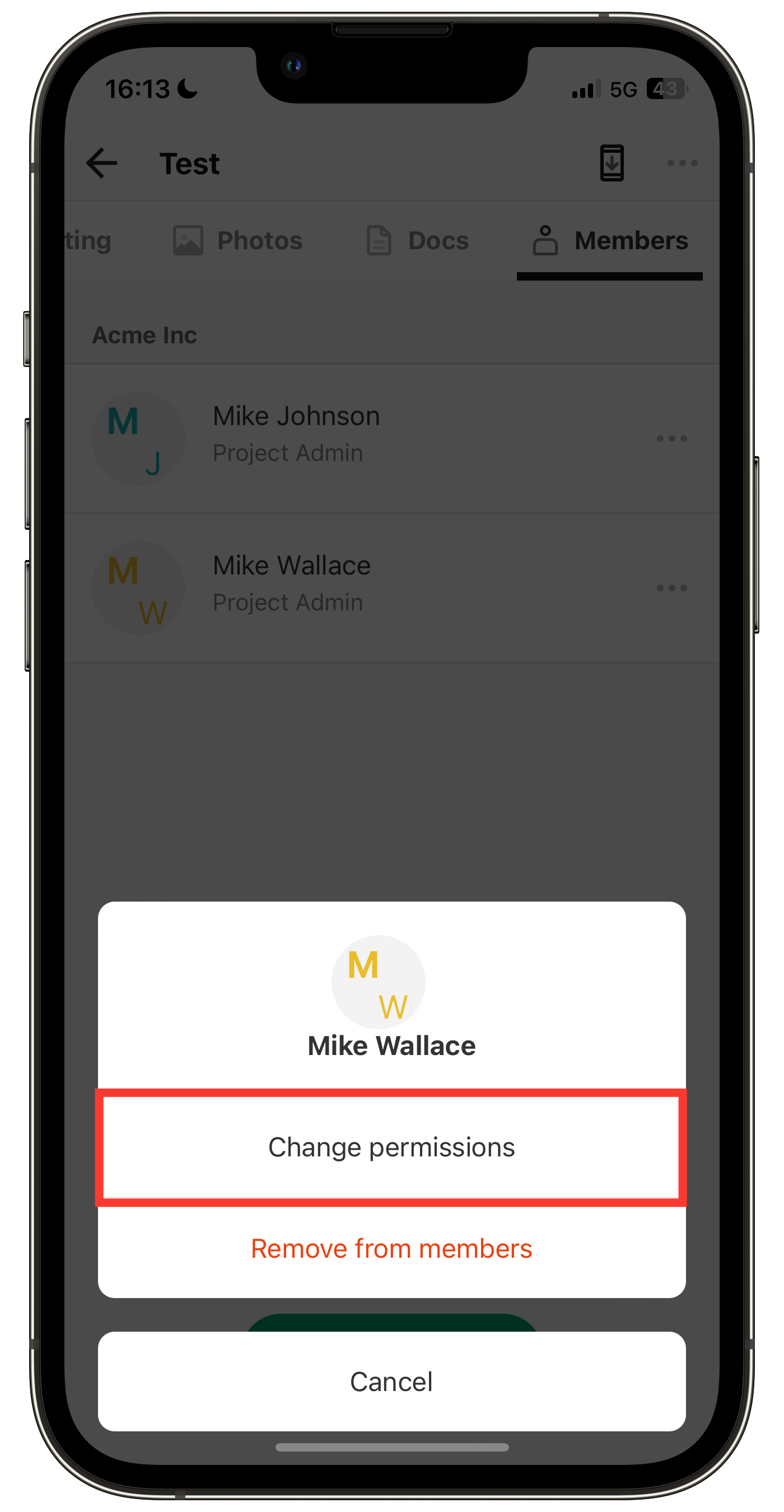
2. Tap "Change Permissions" or "Remove from members".
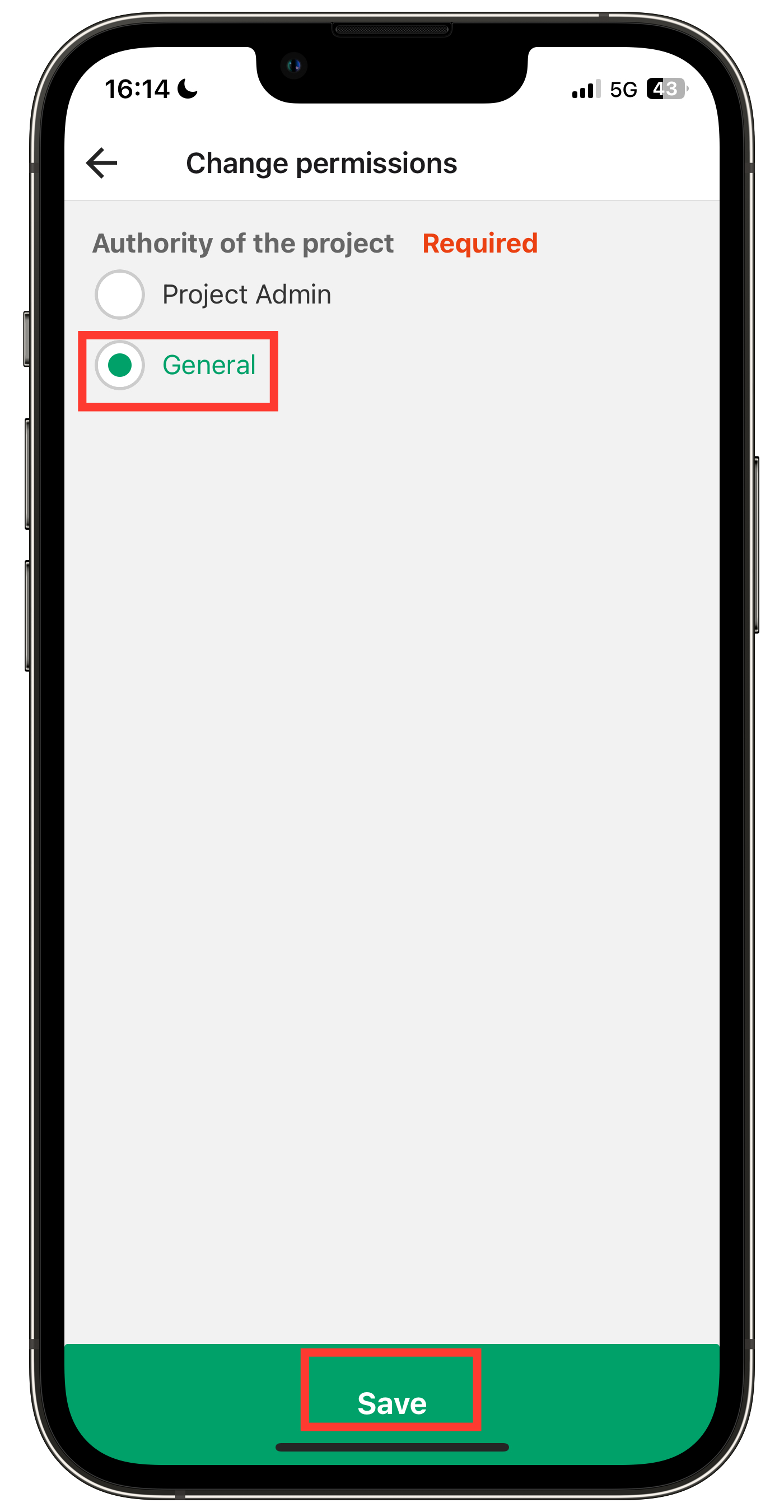
Note: For permission changes, select the desired permission and tap "Save".
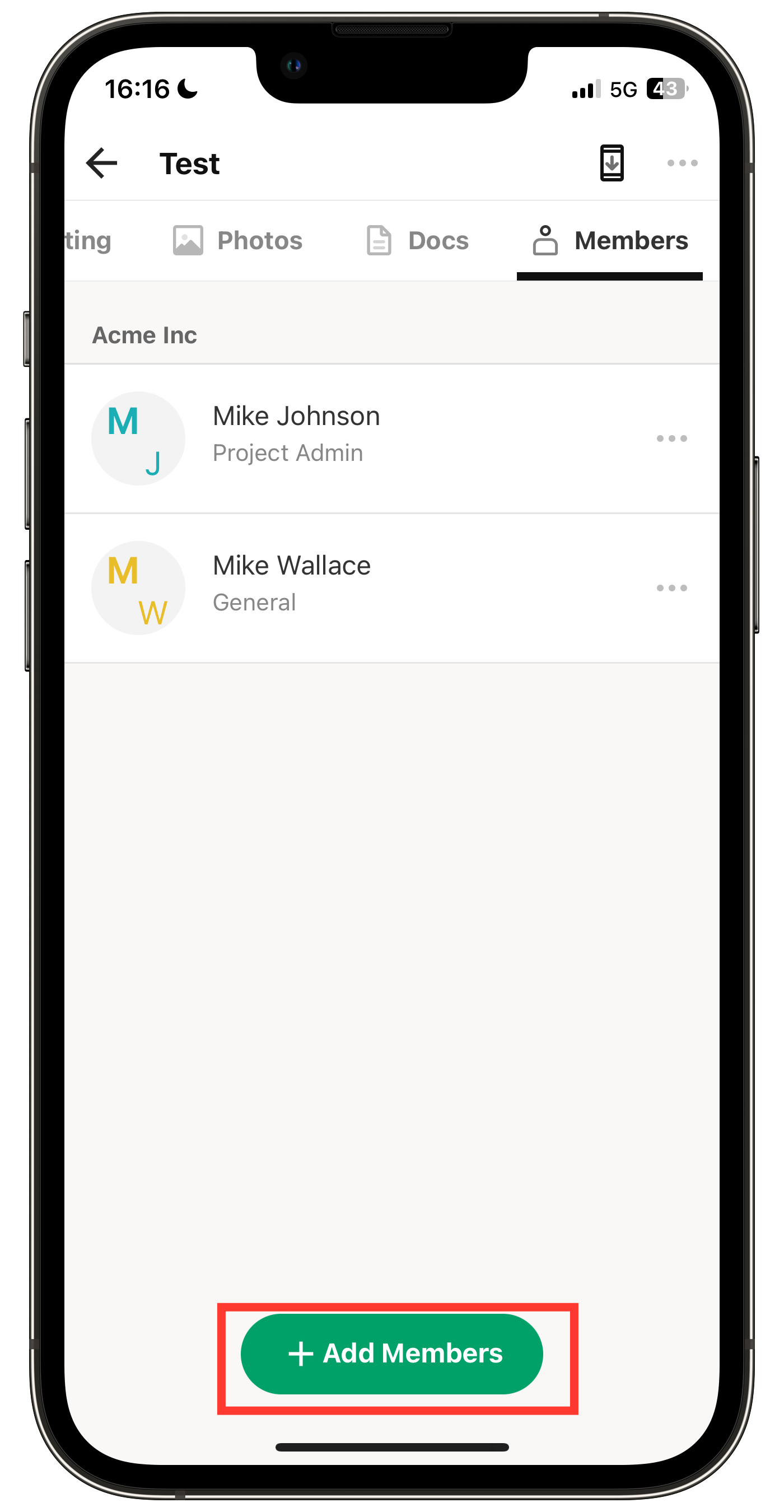
Add Member
1. Tap "+ Add Member".
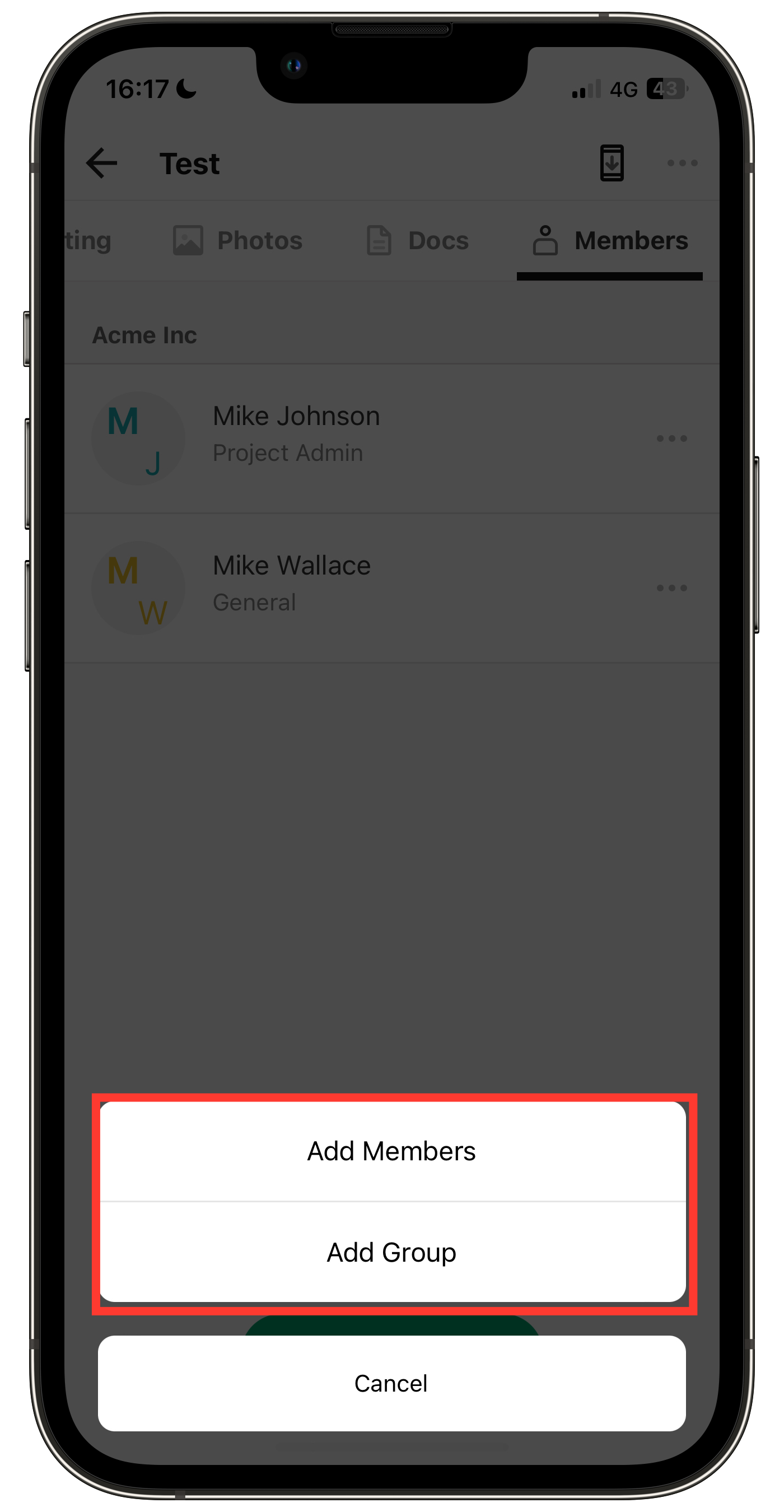
2. Tap "Add Members" or "Add Group".
③. Map Integration
By entering the property information, you can link with Apple Maps or Google Maps (①. Edit).
Note: This feature is only available on the smartphone version.
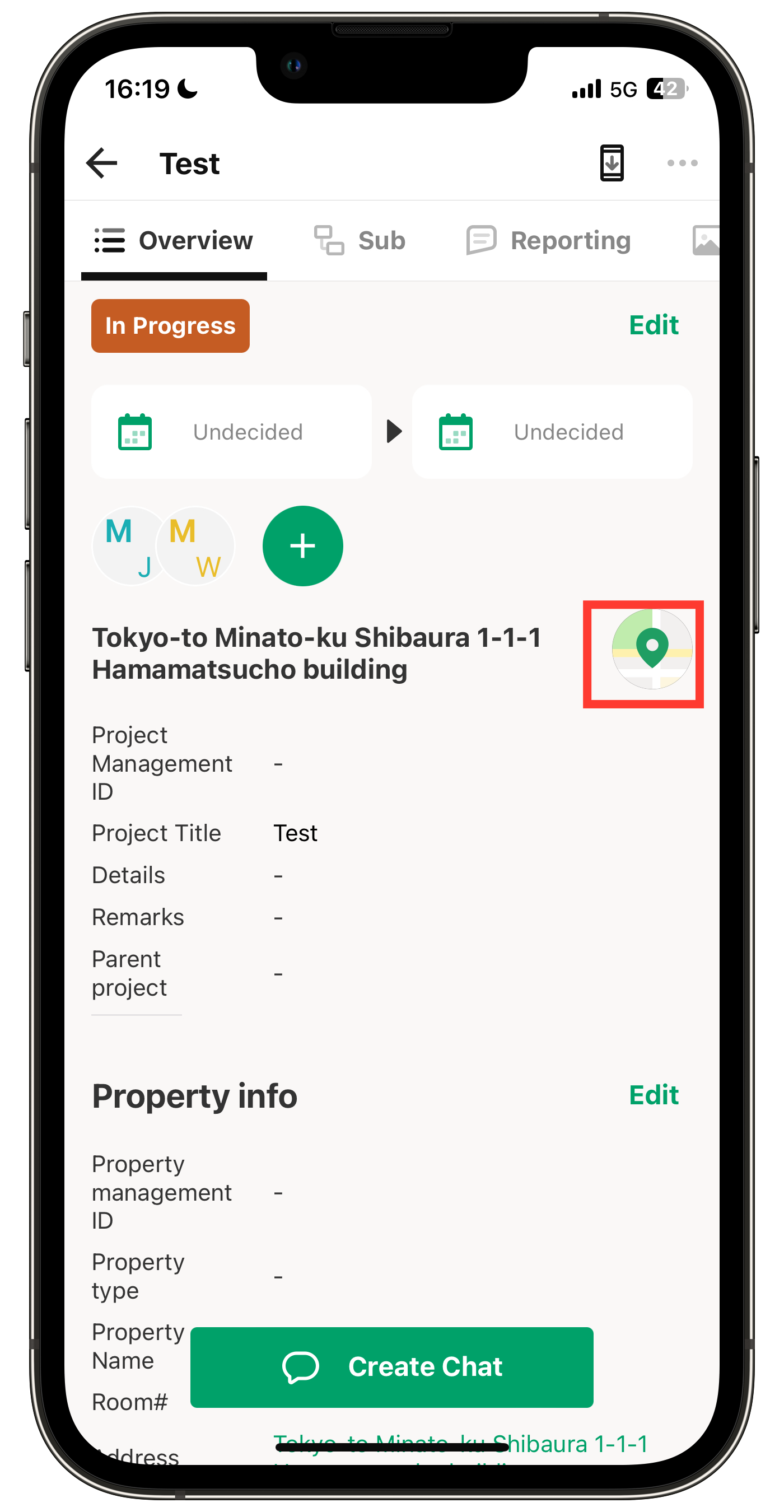
1. Tap the map icon.
By tapping the map icon at the top right or the address, the property's address will be displayed on a map.
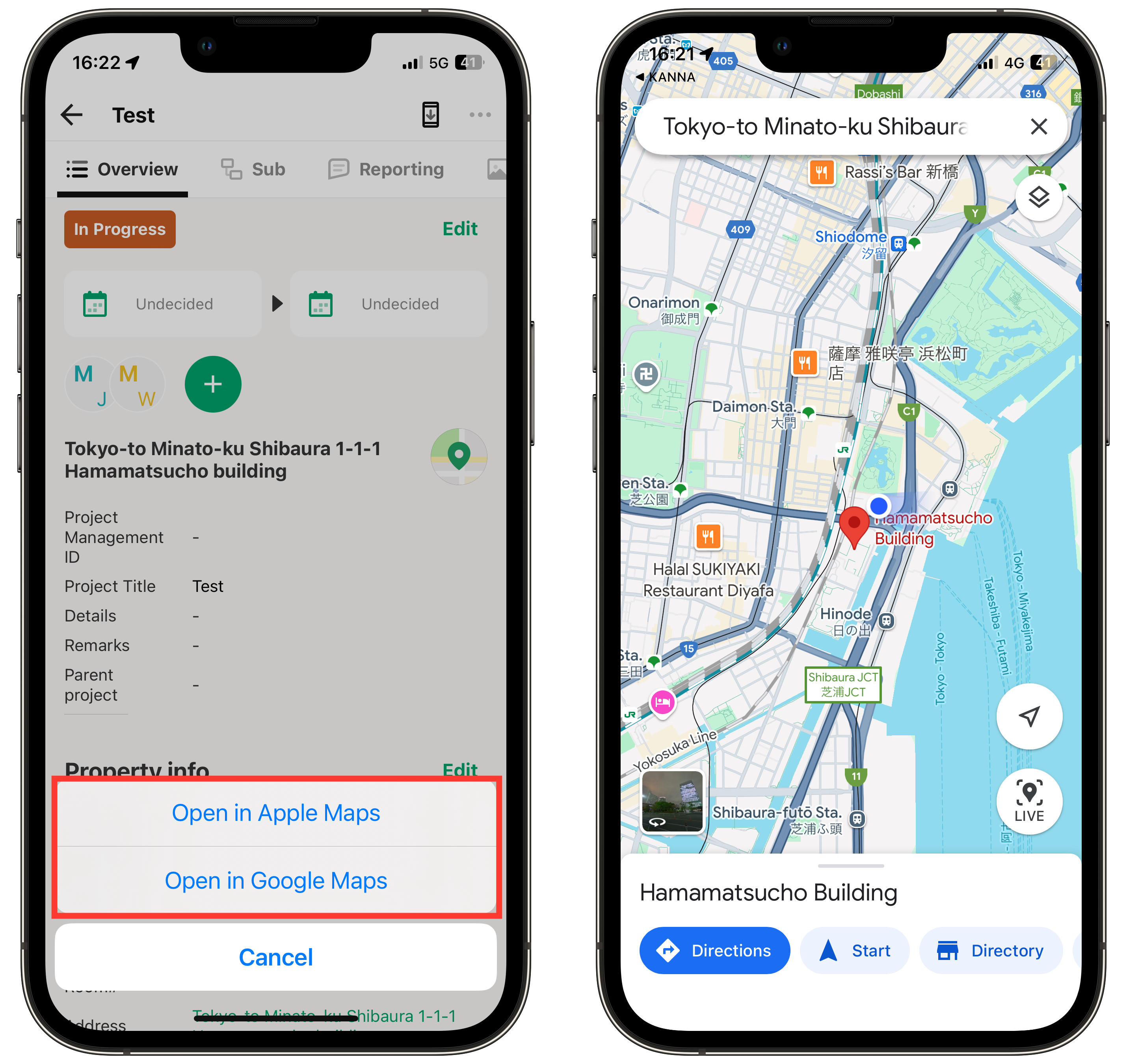
2. Tap the map you want to use and launch the app (Apple Maps will only appear on iPhone).
Edit via PC
1. Click "Edit" on the right side of the section you want to edit.
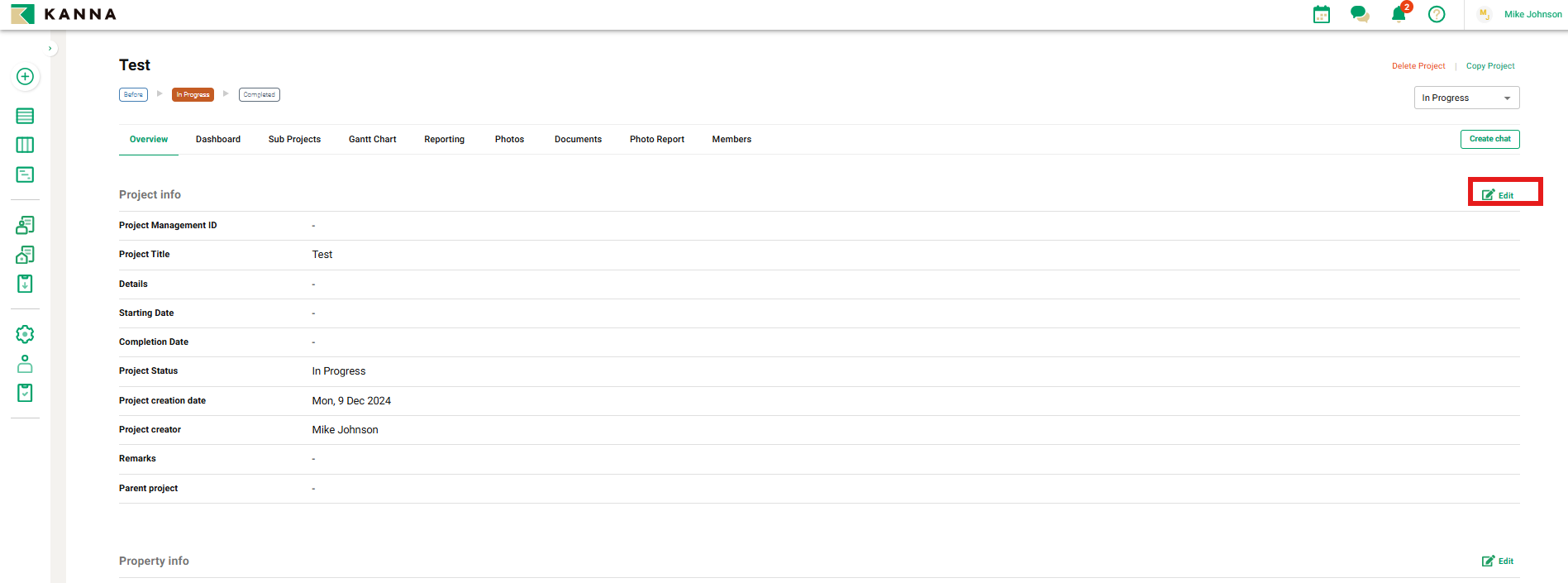
2. After entering or selecting the items you want to edit, click "Save".